
Home / Products / HoloMedicine® Spaces
Immersive VR rooms for medical education and device training.
Step into shared virtual rooms where students and staff learn together. Bring 3D anatomy, DICOM, 360° surgery videos and your own materials into one space, with built-in quizzes, on XREAL Aura, Meta Quest and Pico headsets.
Available on XREAL Aura, Meta Quest 3 / 3S and Pico
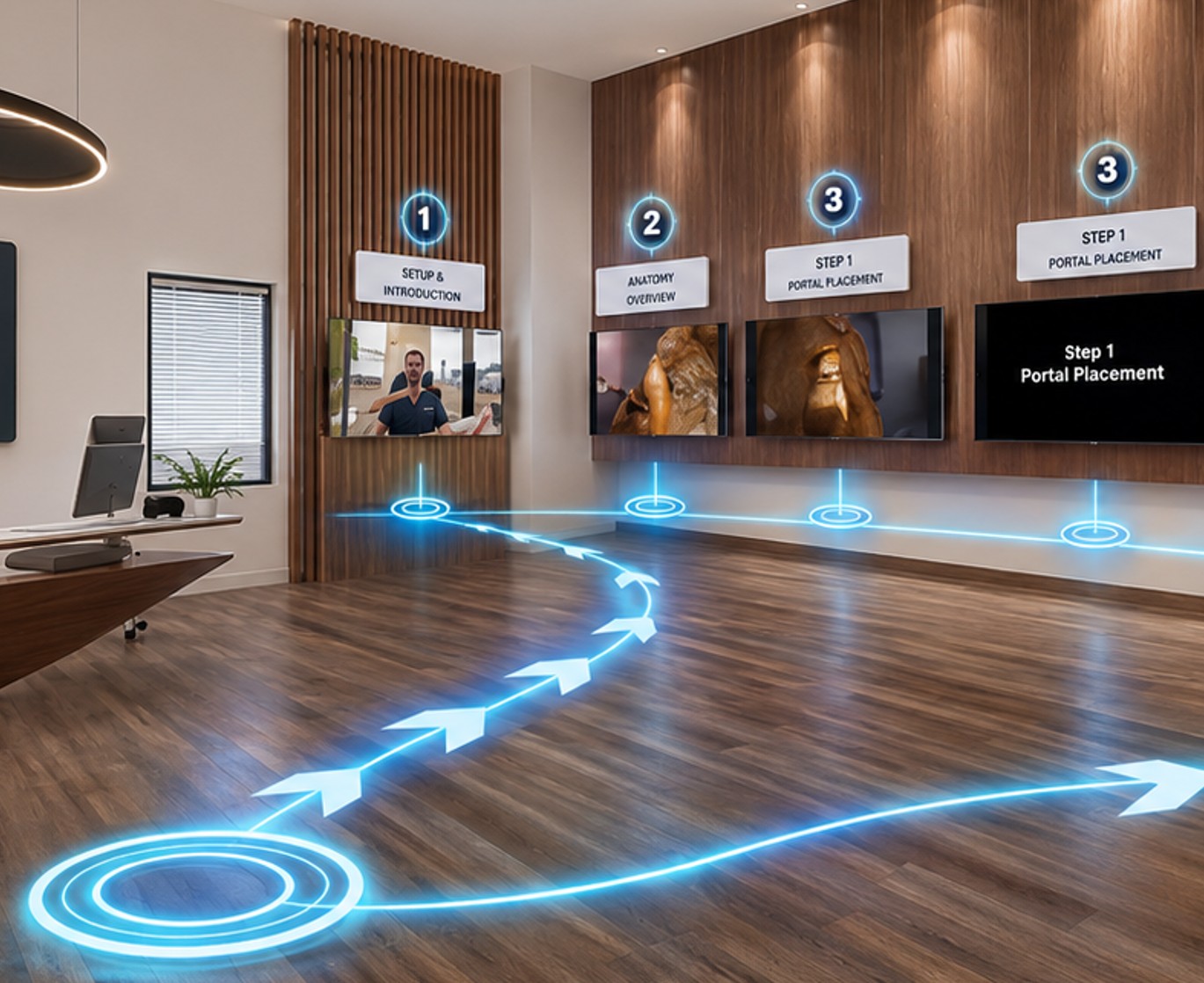
Combine 3D anatomical models, stereoscopic videos and 360° immersive video in one learning room.
Observe experienced surgeons live or on demand, without geographical limits.
Practise the real steps of use and troubleshooting through hands-on learning.
Personalised guidance and quizzes help learners retain skills.
Add PDFs, images, videos and 3D models into the room in seconds.
Wireless headsets with hand and eye tracking, no tethered setup.
Shared virtual rooms for medical education and device training. Students and staff learn together with 3D anatomy, DICOM, 360° surgery video and their own materials.
XREAL Aura, Meta Quest 3 and 3S, and Pico headsets.
Within about 5 minutes. You create the room yourself in the HoloMedicine® web interface, no programming needed.
Yes. PDFs, images, videos and 3D models can be added to a room in seconds, including animated GLB 3D objects configured with AI.
Yes. Quizzes can be added to each room. The lecturer then sees the results of every single student.
Yes. Users practise the real steps of use and troubleshooting of a medical device hands-on, without the physical device in the room.
There is no hard limit. For effective training we recommend starting with up to 10 participants per room.
Get your HoloMedicine® ID at holomedicine.health.
Book a live walkthrough with our team, or get your HoloMedicine® ID to start.